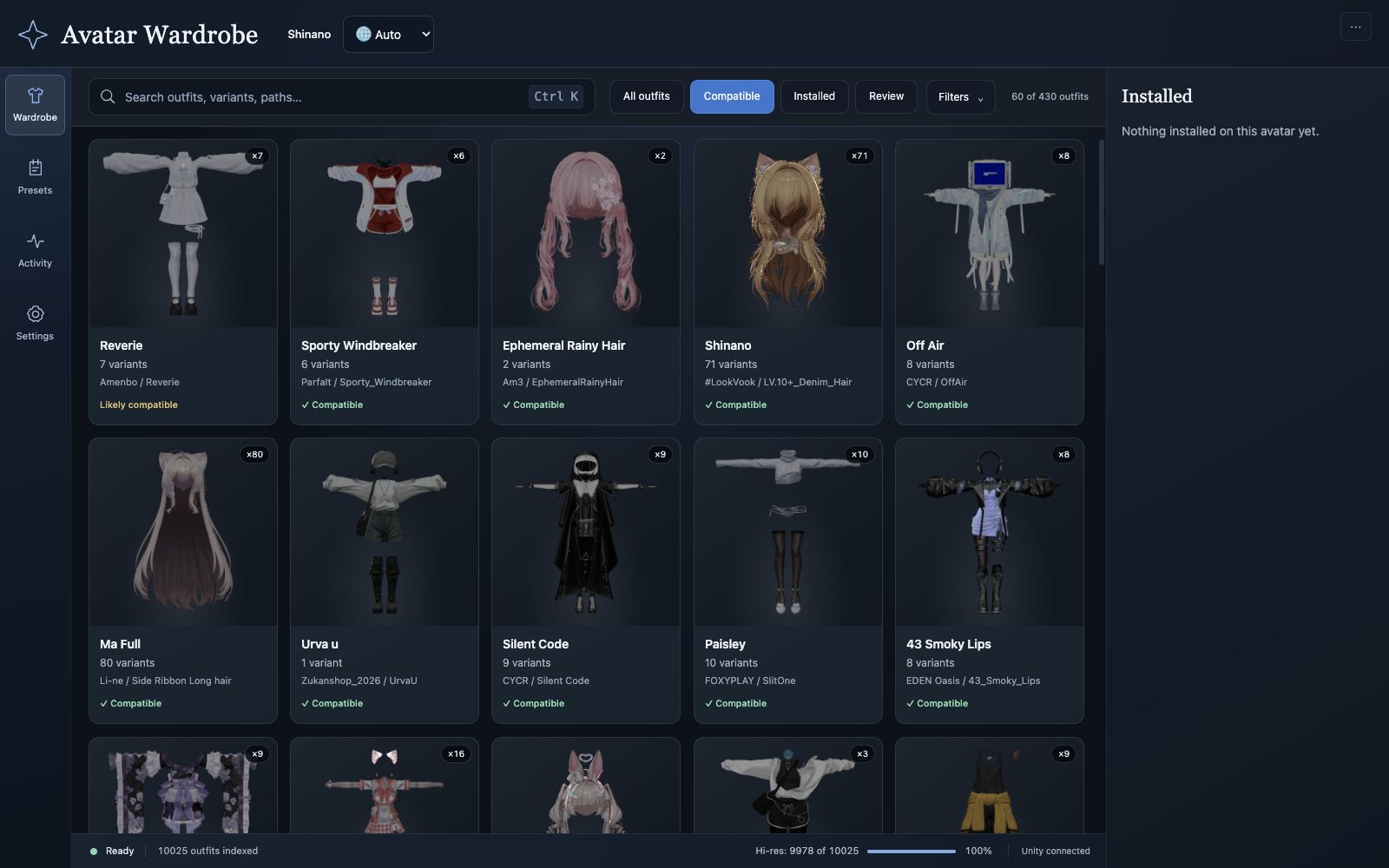
Find your next look
Search your imported assets, compare variants, and understand compatibility before installing.
Explore the wardrobe
Find a look, bring it into Unity, and make it your own. A step-by-step guide to outfits, presets, menus, and uploads.
A familiar workspace
Avatar Wardrobe brings the outfits, hair, and gimmicks already imported into your Unity project into one browser catalog. Unity remains the place where your avatar is assembled and built.
This guide follows the current Wardrobe, Presets, Activity, and Settings interface. Images show the running app with a Shinano example project; your assets, counts, and presets will differ.